OurDream AI App Download Guide
Quick answer: OurDream AI doesn’t have a separate app for iOS or Android. You use it straight in your browser—no download required—and you can install it as a shortcut (PWA) to your home screen for a more app-like feel.
App or website?
You won’t find an OurDream AI app in the Apple App Store or Google Play. Instead, everything happens in your browser—on mobile or desktop—using the official website. This web-first approach means you don’t need to worry about compatibility or updates, and you always get the latest features as soon as they’re released. It works on modern browsers, so there’s no need for an APK download or sideloading. You can add the site to your home screen for quick access, giving it an app-like icon and a more streamlined launch on mobile.
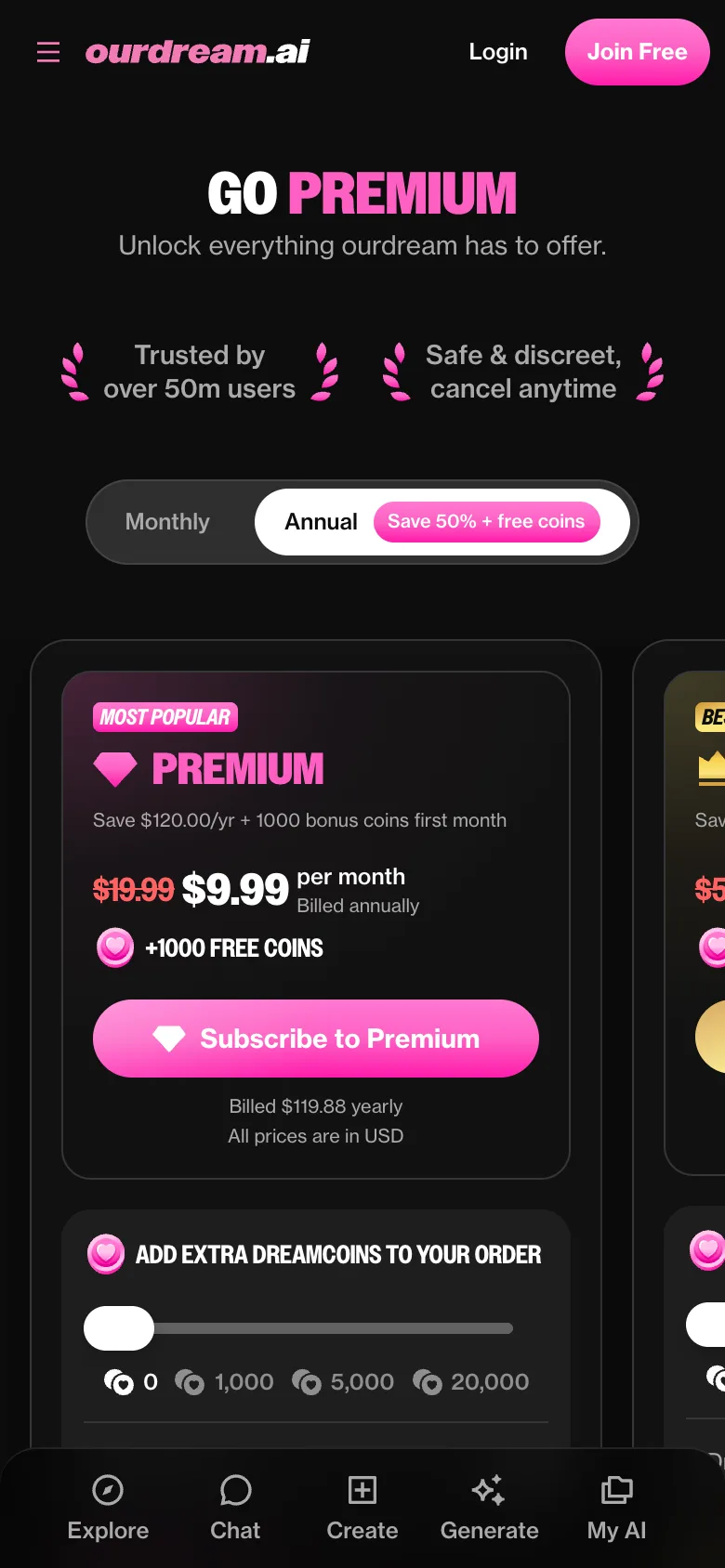
App vs web version
While some services restrict features to dedicated apps, with OurDream AI, mobile and desktop browsers give you nearly the same experience:
- Full access to text chat, AI characters, and memory features
- Image and video generation with community-created characters
- Voice calls and voice chat with chosen character voices
- Installable as a home screen shortcut (PWA) on most phones
- No background battery drain or mobile data use when not open
You can move between your phone and computer smoothly, as all data syncs via your account. No installs and fewer updates to manage can make things simpler, but if you’re looking for system-level notifications or offline use, those features aren’t available here.
Copycat apps to avoid
There are multiple apps in the app stores and on APK sites with names and icons similar to OurDream AI, but these aren’t official. Only the browser-based service—accessible through the official OurDream AI website—is genuine. If you see OurDream AI listed in any app store, skip it, as those are not from the real team and could put your privacy at risk. Tip: Always install the shortcut directly from your browser’s menu on the real site to avoid falling for clones.
Mobile experience
On your phone, you’re able to chat with AI companions, generate images or videos of your characters, and even make voice calls—all right in your mobile browser. The platform’s memory lets conversations pick up right where you left off, even if you switch devices. Voice features can make chatting on the go feel more interactive, and the responsive design means the site works well on smaller screens. Everything happens live, with no download or install needed.
Where to buy premium on a phone
How do I pay for premium on mobile? Purchases go through the web app using card or cryptocurrency, not through app stores.
What about cancelling or refunds? Since payments aren’t linked to Apple or Google, you cancel through the website and request support if you need a refund.
Can I buy more coins too? Yes, extra dreamcoins can be added to your order, all handled on the same payment page as subscriptions.
Fixing mobile issues
If OurDream AI isn’t loading or logging in properly on your phone, try these quick fixes:
- Clear your browser cache and cookies
- Update your browser to the latest version
- Check your mobile data or Wi-Fi connection
- Log out and log back in
- Remove and reinstall the home screen shortcut if you use it
Most mobile hiccups are resolved with a fresh connection or a browser update. For persistent problems, the official support channel can help.
Device requirements
To run OurDream AI, you need a modern browser—like Chrome, Safari, or Firefox—on your device and a stable internet connection. No special hardware or recent phone model is required. Everything stays cloud-based, so performance mostly depends on your connection speed and browser updates.
FAQ
Can I use OurDream AI without an app?
Yes, you can use all features directly in your mobile or desktop browser. No app install is required—just visit the official website and sign in.
Why isn't OurDream AI in the App Store?
OurDream AI is designed as a browser-based platform. It’s not in the App Store or Google Play, so you always access the latest version without waiting for updates.
Do notifications work on mobile?
System push notifications aren’t currently supported. You’ll see updates only when you open OurDream AI in your browser.
Is my data the same on web and mobile?
Yes, your account and character history sync automatically across all devices. Start a chat on your phone and continue later on desktop—everything stays connected.
Does the OurDream AI app cost money?
There’s a free version with limited messages and coins. Premium plans offer unlimited chats, more voice calls, and extra content, starting from $19.99/month.