OurDream AI App Guide
OurDream AI is a web-based platform with no official iOS or Android app; you can install it on your phone as a web app. Watch out for unofficial apps or APKs—use only the official site for safe access.
Official OurDream AI app status
OurDream AI is available only as a web app, with no official Android or iOS applications in any app store. The brand has focused on a browser-based experience, which works across most devices and does not require installation.
| Platform | Official App? | Access Method |
|---|---|---|
| iOS | No | Web browser (PWA) |
| Android | No | Web browser (PWA) |
| Windows/macOS | No | Web browser |
| APK Download | No | Not officially provided |
Anyone can use OurDream AI in a mobile or desktop browser without needing to download an app. The official site is the safest way to access the service.
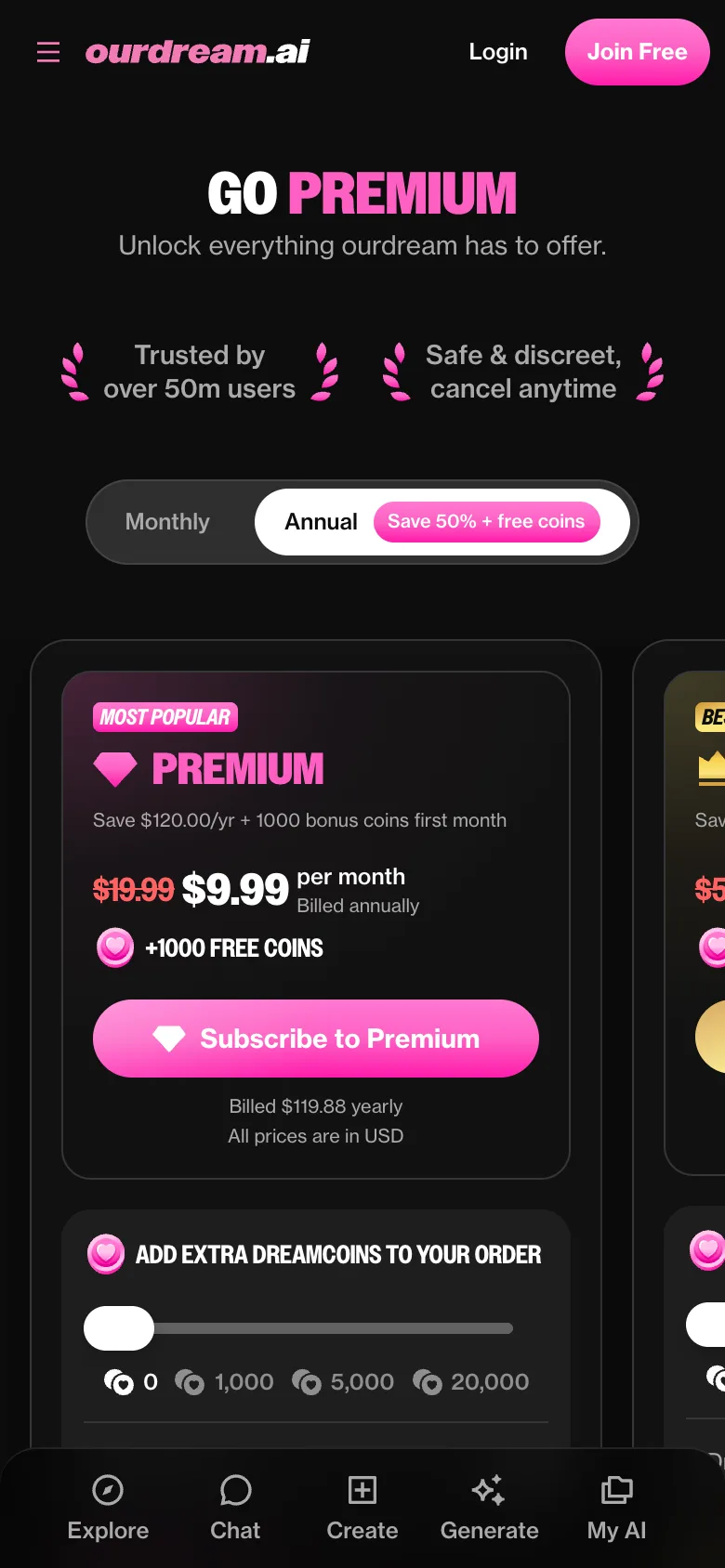
OurDream AI on Android phones
Android users can add OurDream AI to their home screen as a Progressive Web App (PWA), which gives an app-like feel but runs through the browser.
- Open the official OurDream AI site in Chrome or your preferred browser.
- Tap the menu (three dots) in your browser.
- Select 'Add to Home screen' or 'Install app'.
- Confirm the prompt to add the icon.
No special permissions are required beyond standard browser access, but if you want notifications or media recording, grant these as prompted. Always use the official site to avoid risks.
Unofficial APKs and clones
Imitation apps and APKs using the OurDream AI name are common on app stores and third-party APK sites. For your security and privacy, only use the official site and never enter payment details elsewhere.
- Check the developer name matches the official OurDream AI web address.
- Avoid APK sites and unverified app stores.
- Unofficial apps may misuse your data or present security risks.
- Real updates and features are announced only on the official site.
If in doubt, access OurDream AI from your browser and do not trust apps with similar names.
What works on mobile
All major features of OurDream AI work through the mobile browser or PWA. This includes text chat with memory, image and video generation of your AI character (with options for realistic or anime styles), and voice calls using your chosen character's voice. Voice features require microphone access when prompted. The mobile interface lets you chat, view media, and initiate or receive voice calls just as on desktop. Media generation tasks may take longer depending on your phone and connection speed, but the experience is designed to be fully usable without a separate app.
Subscriptions via app stores or web
All payments for OurDream AI subscriptions are made through the website, using card or cryptocurrency. There are no app-store purchases because there are no official iOS or Android apps. If you subscribe on the web, manage and cancel your plan from your account page or by contacting support. Refunds are available on request through the official support channel, except for crypto payments, which are non-refundable.
What you need to run OurDream AI
To use OurDream AI, a modern web browser (such as Chrome, Firefox, Safari, or Edge) is required, either on your computer or mobile device. For the best experience, keep your browser up to date and ensure a stable internet connection. Media features and voice calls may need microphone and storage permissions as prompted by your browser.
FAQ
Is there a OurDream AI app for Android?
No, OurDream AI does not offer an official Android app, but you can use the web version or install it as a PWA from your browser for an app-like experience.
Is my data the same on web and mobile?
Yes, your account, conversation history, and characters are synced whether you access OurDream AI from desktop or your mobile browser.
Why isn't OurDream AI in the App Store?
There is currently no official iOS app for OurDream AI; the service runs entirely in the browser to offer cross-device compatibility and avoid app store restrictions.
Can I use OurDream AI without an app?
Yes, you can access all main features directly from any browser on your phone or computer, with no need to install anything.
Do notifications work on mobile?
Push notifications can work if you install the PWA and grant notification permission through your browser, but standard SMS or app notifications are not available.