OurDream AI on Mobile: App or Web?
Quick answer: OurDream AI doesn’t have a native app in the App Store or Google Play. Instead, it’s a full-featured web app you access through your phone’s browser, and you can add it to your home screen for an app-like experience.
App or website?
When people talk about the 'OurDream AI app,' they usually mean the web-based platform you use in your browser. There isn’t a downloadable app for iOS or Android in any app store. Instead, OurDream AI is designed as a progressive web app (PWA), which means you get all its features by simply opening it in your mobile browser—no install required. You can chat, generate images and videos, or make voice calls just as you would on desktop. For those wanting that familiar app feel, you can add the website directly to your home screen, making it look and behave like an app.
Add OurDream AI to your iPhone home screen
If you want quick access on iOS, you can add OurDream AI to your home screen with just a few taps. Here’s how:
1. Open Safari and go to the OurDream AI website.
2. Tap the Share icon at the bottom of the screen.
3. Scroll and tap 'Add to Home Screen.'
4. Name the shortcut as you like (e.g., OurDream AI).
5. Tap 'Add' in the top-right corner.
6. The icon will appear on your home screen—tap it any time for instant access.
It’s the easiest way to make the web app feel like a real app on your iPhone.
What works on mobile
You’ll get nearly all the key features of OurDream AI right from your phone. Chat with AI companions (with memory of your past conversations), generate images and videos in realistic or anime styles, and even place voice calls to your favourite characters—no need to switch to a computer. You can also listen to your character’s chosen voice and explore millions of user-created characters. The experience is optimised for mobile screens, so text, media, and menus are all easy to use on the go.
Privacy on a shared phone
Using OurDream AI on a device you share with others? Since you access it through your browser, the home-screen icon will show the site’s logo and name. No notifications or pop-ups are sent by default, so your activity stays discreet unless someone opens the app directly. Tip: Always log out after your session, and consider using your browser’s private/incognito mode for extra privacy.
Subscriptions via app stores or web
Can I subscribe through the App Store or Google Play?
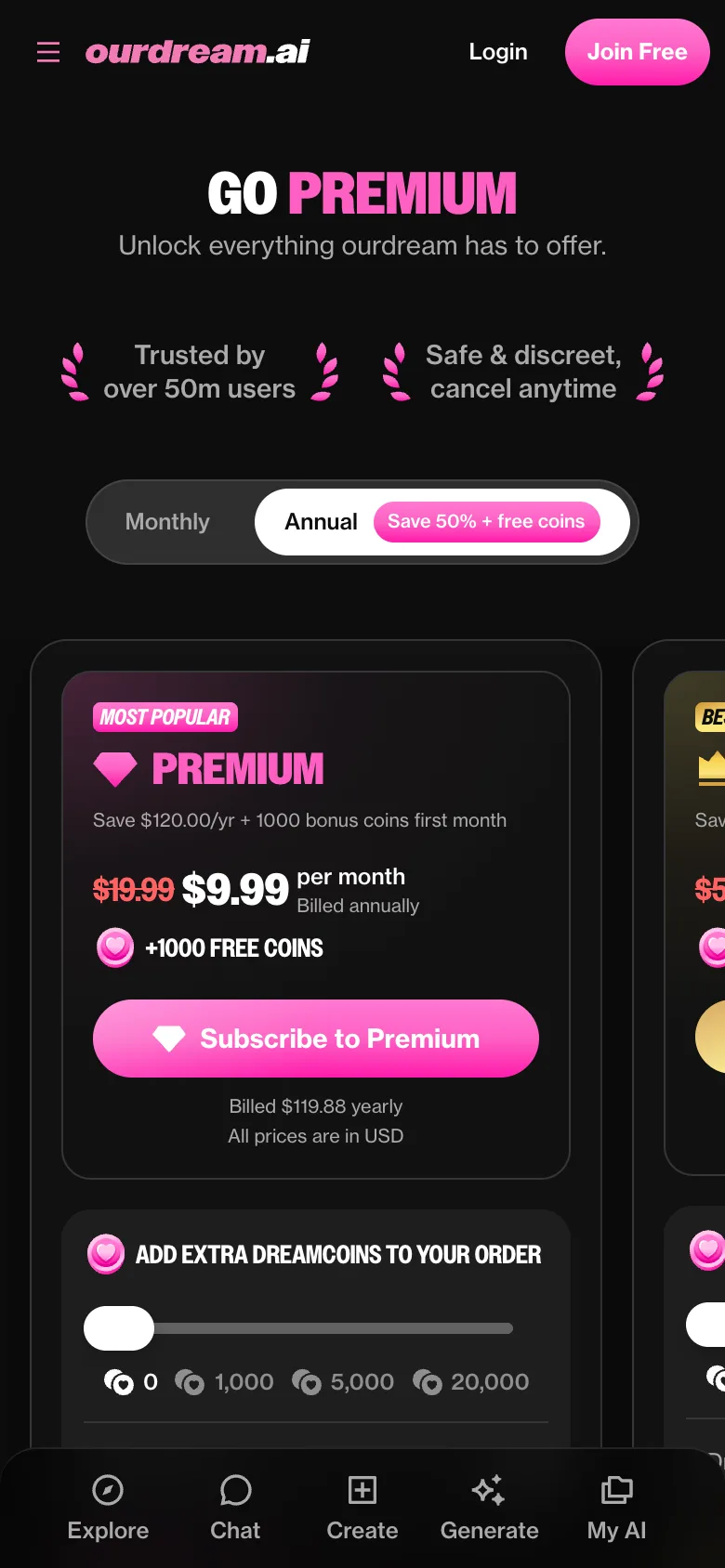
No, all subscriptions and payments are handled directly on the OurDream AI website—there’s no in-app purchase system.
How do I pay for upgrades?
You can use a credit/debit card or select cryptocurrency when you upgrade your account.
How do I cancel or get a refund?
Subscriptions can be cancelled anytime from your account dashboard. For refunds, you’ll need to contact official support, as crypto payments are non-refundable.
Will it work on my phone?
As long as your phone runs a reasonably modern web browser (like Safari, Chrome, or Firefox), you’re good to go. You’ll need a stable internet connection for smooth chats and media generation. There’s no need for special app versions—everything works in the browser, and performance is generally smooth on most up-to-date devices.
FAQ
Is there a OurDream AI app for Android?
There isn’t a native Android app. You use OurDream AI in your mobile browser, and you can add it to your home screen for an app-like shortcut.
Is the OurDream AI APK safe?
There’s no official APK or downloadable Android app. Only use the official OurDream AI website in your browser for safety.
Can I use OurDream AI without an app?
Yes, absolutely. Everything runs in your browser—no need to download or install anything to use all the features.
Do notifications work on mobile?
OurDream AI does not send push notifications on mobile. You’ll only see updates when you open the web app in your browser.