OurDream AI App Guide
- No official app store download; web-based for mobile and desktop.
- Install as a home screen shortcut for quick access on Android or iOS.
- All features work in your mobile browser: chat, image/video, and voice.
App vs web version
Both desktop and mobile versions of OurDream AI are web-based, so you get the same main features anywhere. If you want to save battery or data, using the mobile browser or PWA is lighter than running a traditional app. Here's how the two compare:
| Feature | Mobile Web/PWA | Desktop Web |
|---|---|---|
| Text chat | Yes | Yes |
| Image/video generation | Yes | Yes |
| Voice calls | Yes | Yes |
| Add to home screen | Yes (PWA) | No |
| Battery/data usage | Efficient | Dependent on device |
If you often chat on the move, installing as a PWA on your phone is handy and uses less power than a heavy app.
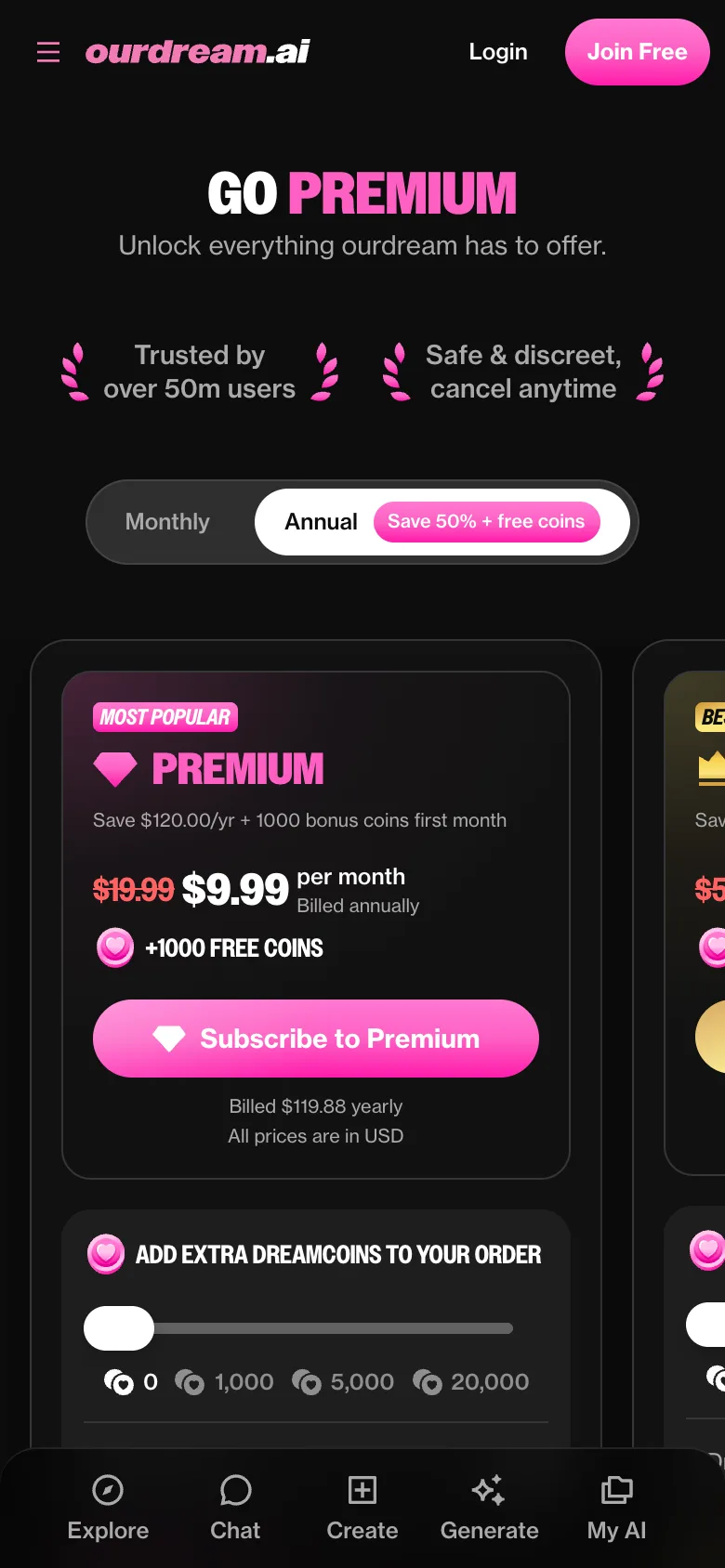
OurDream AI app: the short answer
OurDream AI has no traditional app on the Play Store or App Store. Instead, you access it from your browser. You can add it to your home screen on Android or iOS for app-like use. This web-first approach means you always get the latest features instantly. Here's a platform summary:
| Platform | Native App | Home Screen Shortcut | Access Method |
|---|---|---|---|
| Android | No | Yes (PWA) | Mobile browser |
| iOS (iPhone) | No | Yes (PWA) | Mobile browser |
| Desktop | No | N/A | Web browser |
You don't need to download anything from an app store; just open the website and go.
Installing OurDream AI on Android
You can use OurDream AI as a PWA on Android for an app-like experience. It’s fast and official—no need for an APK. Here’s how to add it:
- Open your mobile browser (like Chrome) and go to the official OurDream AI site.
- Log in or create your account.
- Tap the browser menu (three dots in Chrome).
- Select "Add to Home screen".
- Confirm the name and tap "Add".
- Find the new icon on your home screen and tap it to launch OurDream AI directly.
This shortcut makes chatting and exploring characters as quick as opening any other app.
What works on mobile
You get the full OurDream AI experience right from your phone. Every major feature works without needing a desktop:
- Text chat with memory of past conversations
- Generate images and videos of your characters (realistic or anime)
- Voice calls and character voices
- Browse and create community characters
- Payment and account settings
You can chat, create, and explore from anywhere—no desktop needed.
Keeping it private on your phone
Privacy matters, especially on a shared device. Here are some simple ways to keep things discreet:
- Use a neutral icon name when adding to your home screen
- Manage browser notifications to control pop-ups
- Always log out when finished, especially if sharing your phone
- Clear browser history if you want extra privacy
- Use private browsing mode for added discretion
The platform says your chats are encrypted, but these steps help keep your activity private on your own device.
FAQ
Can I use OurDream AI without an app?
Yes, you can use OurDream AI directly in your web browser—no app download is needed. Just open the official site and start chatting, generating images, or making voice calls.
Do notifications work on mobile?
You can enable browser notifications for updates on messages or activity. These work if you add OurDream AI to your home screen as a PWA and allow notifications in your browser settings.
Is there a OurDream AI app for Android?
There’s no official Android app in the Play Store, but you can add OurDream AI to your home screen as a PWA for quick, app-like access. No APK is required—just use your browser.
Is there a OurDream AI app for iPhone?
No App Store app exists, but you can add OurDream AI to your iPhone’s home screen via Safari. This gives you a fast shortcut and full feature access without installing anything extra.
Is my data the same on web and mobile?
Yes, your chats, characters, and settings stay synced whether you use OurDream AI on desktop or mobile. Everything is tied to your account and accessible from any device.