OurDream AI App Download Guide
Quick answer: There’s no separate OurDream AI app in the iOS App Store or Google Play, but you can use all features on your phone through the web app, including chatting, image and video generation, and voice calls. You can add OurDream AI directly to your home screen for an app-like experience.
Official OurDream AI app status
Here’s how OurDream AI works across devices. You won’t find a native app on the App Store or Google Play, but you can use the platform easily on your phone’s browser or install it as a web app.
| Platform | Native App Available | Home Screen Install | Browser Access |
|---|---|---|---|
| iOS (iPhone/iPad) | No | Yes | Yes |
| Android | No | Yes | Yes |
| Desktop/Web | N/A | N/A | Yes |
If you’re expecting a traditional download from the app store, just know you’ll be using the web version, but it still covers all the main features.
Add OurDream AI to your iPhone home screen
The web app can feel just like a real app when you add it to your iPhone’s home screen. Here’s what to do:
- Open Safari and go to ourdream.ai.
- Tap the Share icon at the bottom of the screen.
- Scroll and tap "Add to Home Screen."
- Edit the name if you want, then tap "Add."
- Look for the new icon on your home screen and tap it to launch OurDream AI directly.
This makes it much quicker to open than typing the address in your browser each time, and it looks and works like a regular app.
Android setup
On Android, you can install the OurDream AI web app for easy access. Here’s how:
- Open Chrome and go to ourdream.ai.
- Tap the three-dot menu in the upper right corner.
- Select "Install app" or "Add to Home screen."
- Confirm the install and allow it to add the icon to your device.
- Tap the icon from your home screen or app drawer to launch it.
This gives you an app-like shortcut, so you don’t need to search for the site each time.
What you get on each device
The mobile and desktop versions of OurDream AI offer the same core features, but how you use them can feel a bit different. Here’s a quick look:
| Feature | Mobile (Web/PWA) | Desktop/Web |
|---|---|---|
| Text chat | Yes | Yes |
| Voice & voice calls | Yes | Yes |
| Image & video generation | Yes | Yes |
| Home screen install | Yes | N/A |
| Payment | Yes | Yes |
You get full access to chatting, generating content, and voice features on any device, and setting it up on your phone’s home screen makes things even more convenient.
Where to buy premium on a phone
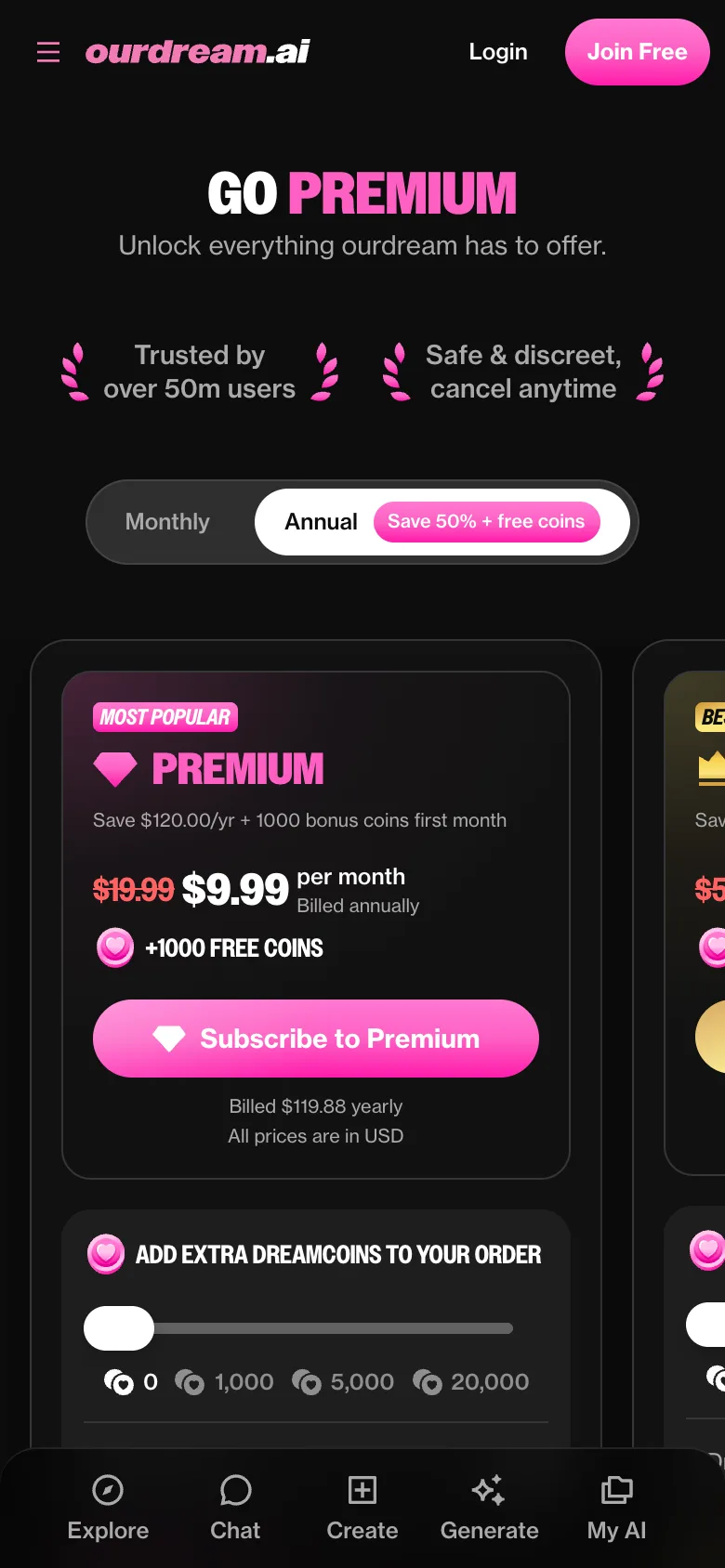
When you’re ready to upgrade, payments on mobile work just like on desktop because the web app doesn’t use app-store subscriptions. All purchases, including Premium or Deluxe plans and extra dreamcoins, are handled through the official website with card or crypto payments. This means your subscription isn’t tied to Apple or Google billing, so you manage everything through the site, and any refunds or account changes go through OurDream AI’s support team.
FAQ
Is my data the same on web and mobile?
Yes, your chats, characters, and dreamcoin balance all stay in sync whether you log in from your computer or your phone, since everything runs through your account on the web app.
Is there a OurDream AI app for iPhone?
No, there isn’t a native iPhone app in the App Store, but you can use OurDream AI on your iPhone browser and add it to your home screen for quick access.
Why isn't OurDream AI in the App Store?
OurDream AI currently works entirely as a web app, which means you access it through your browser instead of downloading it from the App Store.
Is there a OurDream AI app for Android?
No, there’s no official Android app or APK in the Play Store, but you can install the web app to your home screen for an app-like experience on your device.
Is the OurDream AI APK safe?
There isn’t an official APK download for OurDream AI. For safety, always use the platform through the official website and avoid any unofficial app files.